If we have a staff handbook or other documents that we might want to share with the whole company, but won’t be specifically related to an individual, how might we go about this?
In a previous HR platform you could add documents that the whole company could access, such as PDFs, which were located on the employees home screen.
Best answer by International Support Team
Hey @tomblake
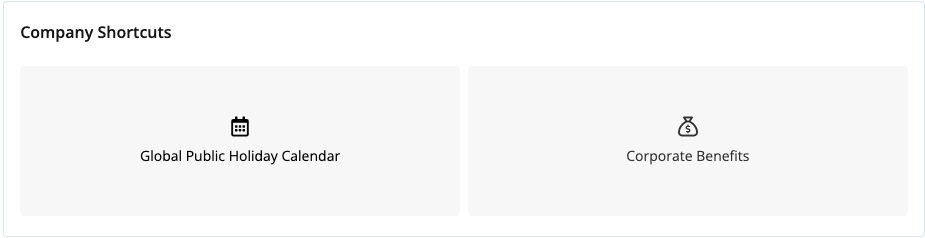
You can use the Dashboard to direct employees to a shared document for your company. If you navigate to Settings > Dashboard you can set up a shortcut URL link to the shared document, so if you have it within a shared drive for your employees this way they can access it quickly. Here is an example look at my test account:
For more information on this set up, here is our guide on The Dashboard. If you have any other questions, please let me know.
You can use the Dashboard to direct employees to a shared document for your company. If you navigate to Settings > Dashboard you can set up a shortcut URL link to the shared document, so if you have it within a shared drive for your employees this way they can access it quickly. Here is an example look at my test account:
For more information on this set up, here is our guide on The Dashboard. If you have any other questions, please let me know.
Best regards,
Conor
⚠️Heads up! This thread could be outdated
This topic was created more than ago. Our product evolves fast – feel free to ask a new question to make sure you get the latest info.
Join the Personio Voyager Community!
If you are a Personio customer please use the same email address for registration as in your Personio account. By doing so we can help you faster if we might need to check something in your account.
Do you already have an account? > Login
! Your public username cannot contain any personal information such as email or other private information! You can't change your username after registration.
Welcome to the Personio Voyager Community!
This is the support and networking community for Personio users and HR Professionals. If you have not registered yet, please select "create an account".