


how can I add a team member to this community?

Answered
join community


 +3
+3- Communicator
Best answer by International Support Team
Hi
I’m so happy to see more users joining us! 👏🏼 If any of your colleagues wants to join the Community, they have to visit the Community and create an account, on the top right hand. For that, they have to click on Login.

And then, they will need to click on Create an account and follow the instructions there.
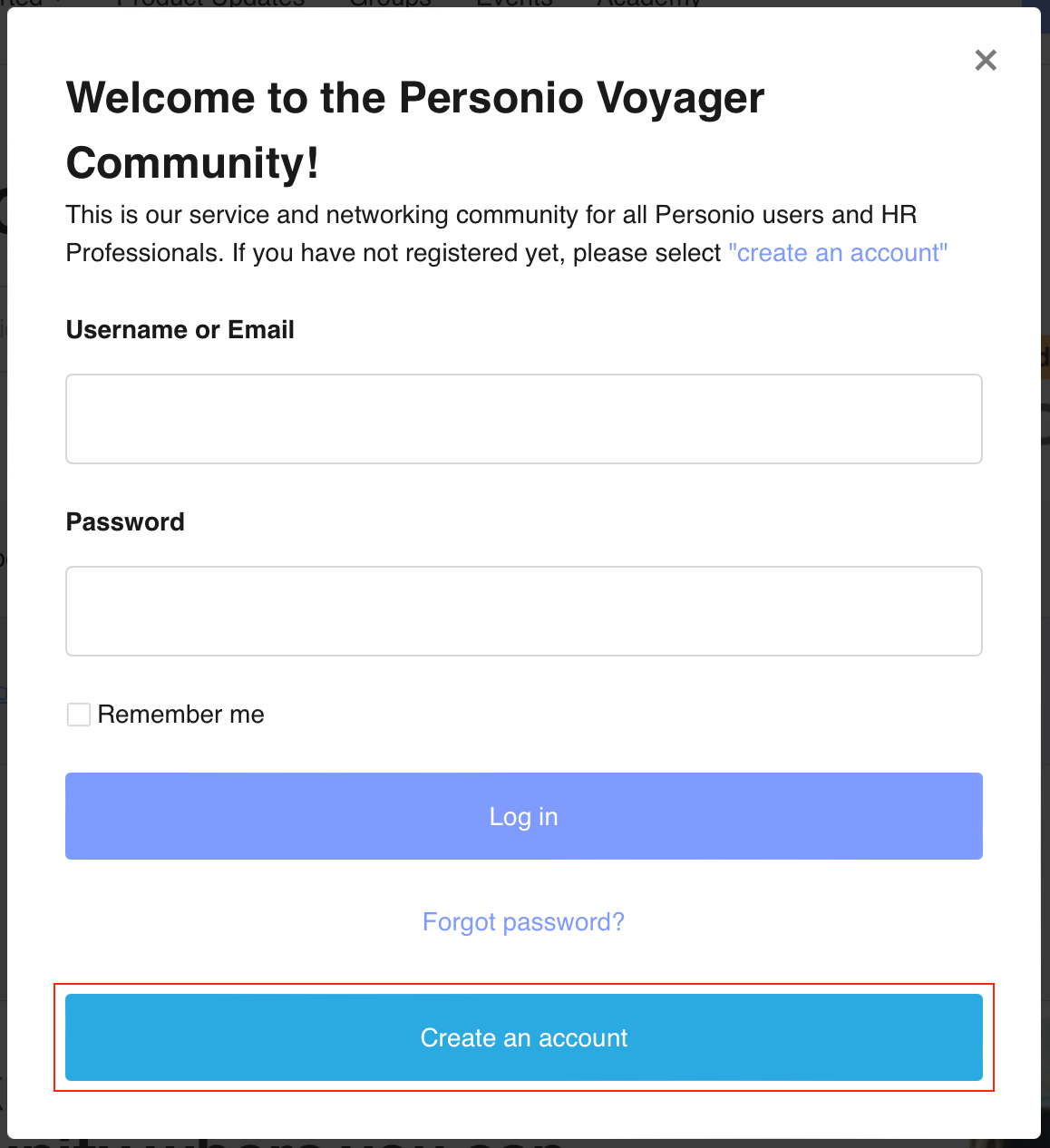
They can use their email address they have recorded in Personio and create the credentials for the Community, as this is not linked to their Personio account one.
They can start exploring everything we have in the Community by clicking on Get started so they will get familiar with everything they need for their work with Personio and in our Community.
If they experience any challenges, please let me know! 😃
Wishing you a great day ahead! 🙌🏼
Best,
Zulema


Join the Personio Voyager Community!
If you are a Personio customer please use the same email address for registration as in your Personio account. By doing so we can help you faster if we might need to check something in your account. Do you already have an account? > Login
! Your public username cannot contain any personal information such as email or other private information! You can't change your username after registration.
Welcome to the Personio Voyager Community!
🎉 We've merged! The Personio Voyager Community now lives at community.personio.de.
This site (community.personio.com) is now read-only and will close soon, so you will no longer be able to log in here.
Coming from .com? Your account has already moved to community.personio.de. Log in there, and if it's your first time, set a new password first (your old .com password didn't carry over). See what to do →
Enter your E-mail address. We'll send you an e-mail with instructions to reset your password.