

Hi there.
We are rolling out a performance cycle this month but I would like to deactivate (or at least remove access) to the other performance options (goals, training and feedback) until later this year to avoid confusion.
How do I do this?

Hi there.
We are rolling out a performance cycle this month but I would like to deactivate (or at least remove access) to the other performance options (goals, training and feedback) until later this year to avoid confusion.
How do I do this?
Best answer by ConorCunningham
Hey
Welcome to the Personio Community 🙂
The Feedback and Training areas are open for all employees and currently access rights are not yet available to limit these. However, employees will not be able to view the Goals section unless granted the access right within the Performance & Development access rights area.
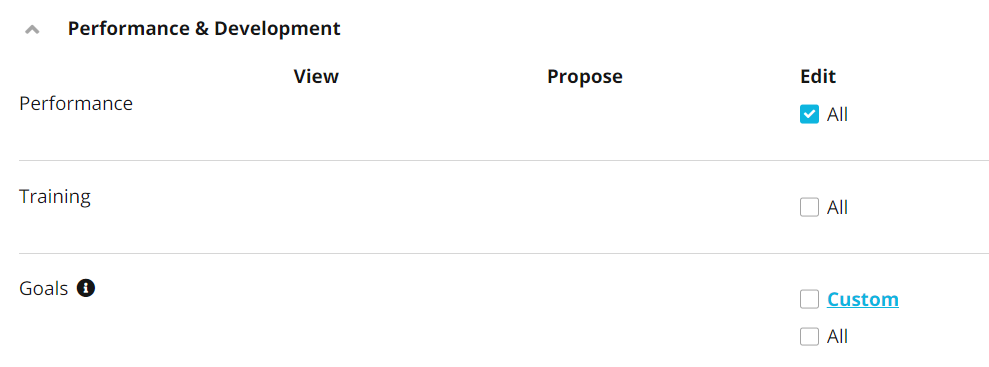
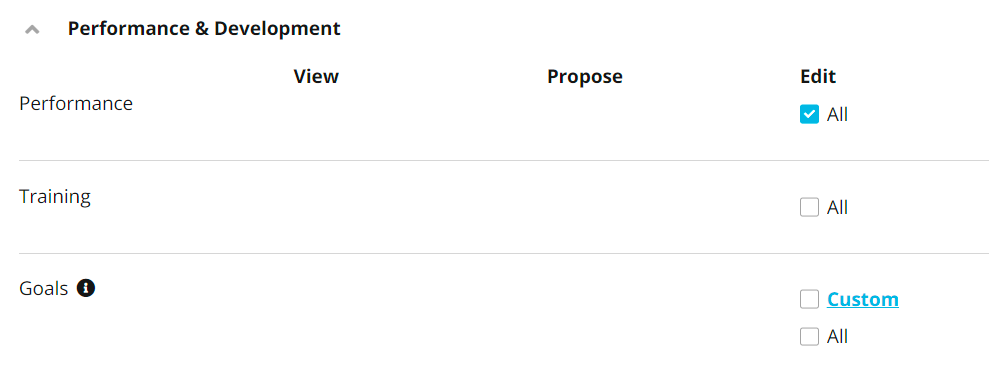
On that note, there are access rights within the Performance & Development section which allow for All access to areas such as Trainings, Performance & Goals. This access would be given to employees who would for example be setting up Trainings, Cycles and Goals on behalf of other employees.
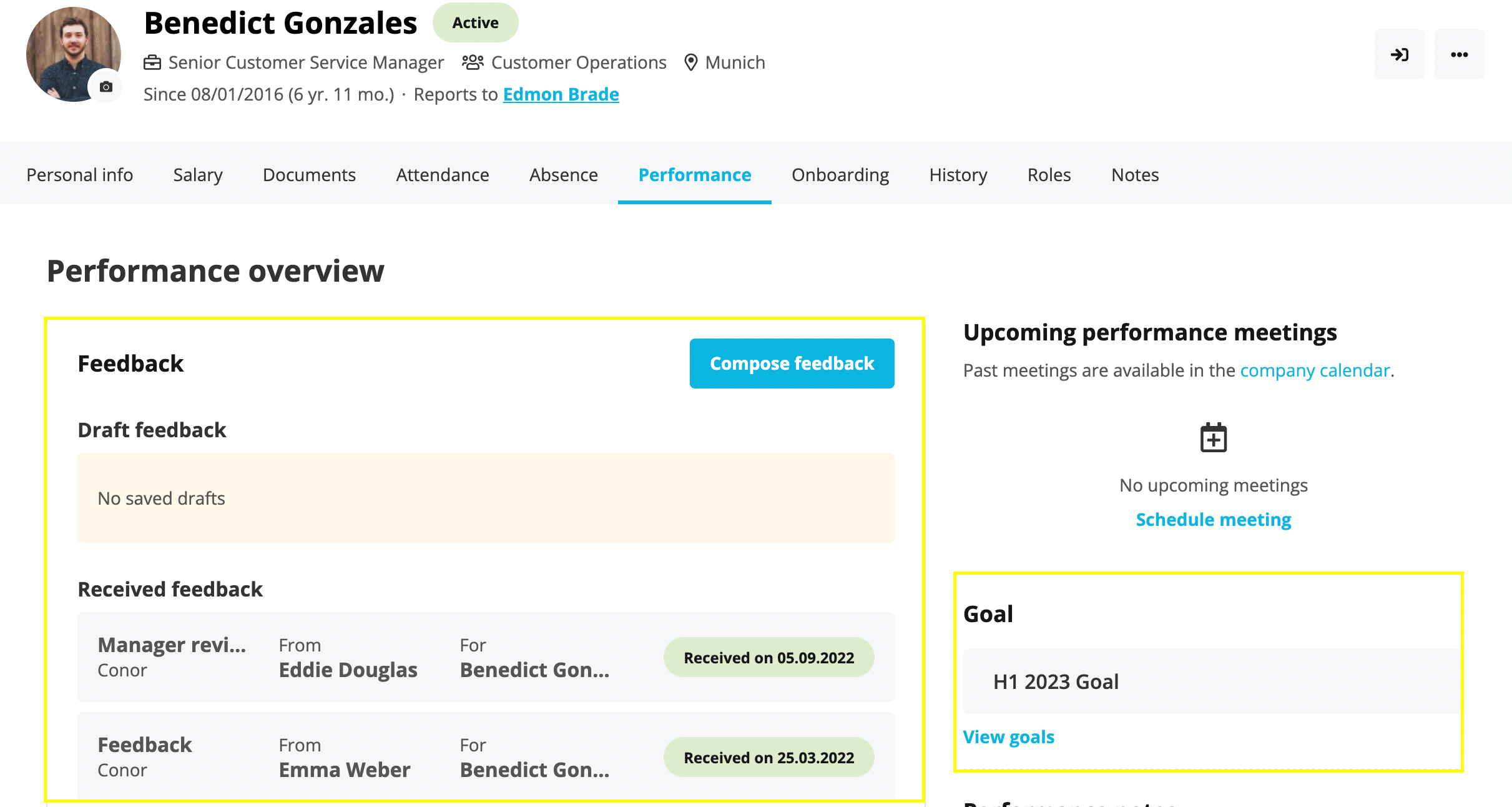
Employees will also still be able to access their feedback and goals through their Performance tab.
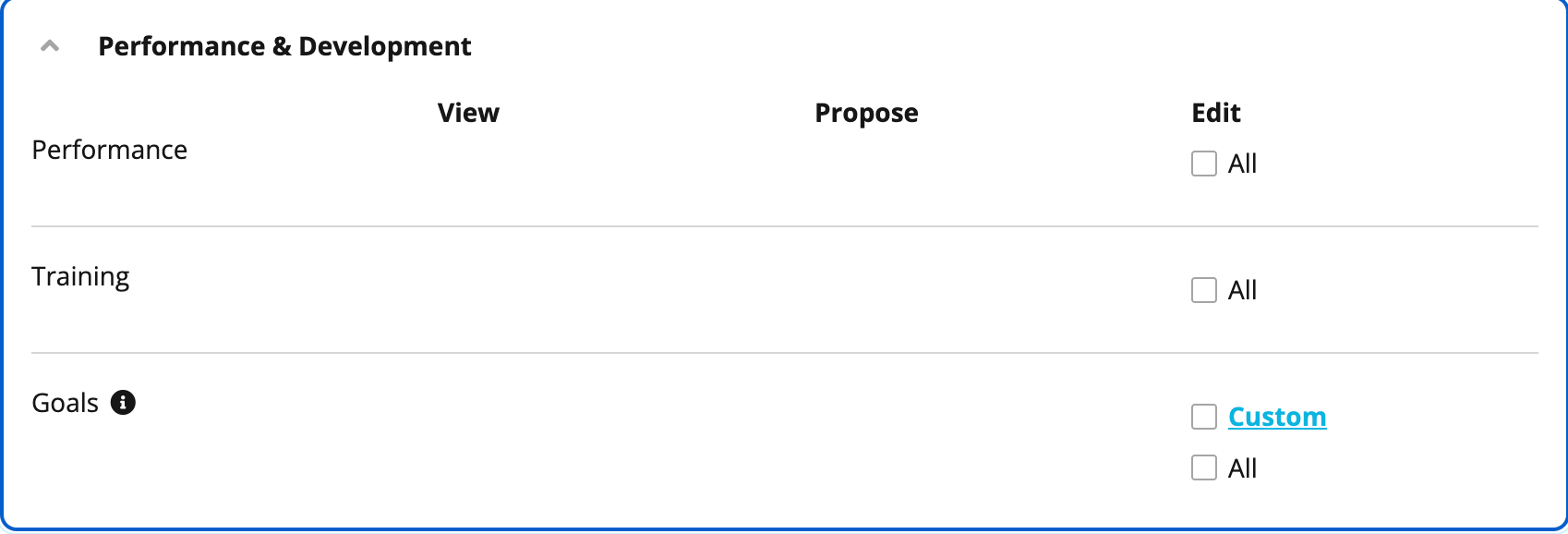
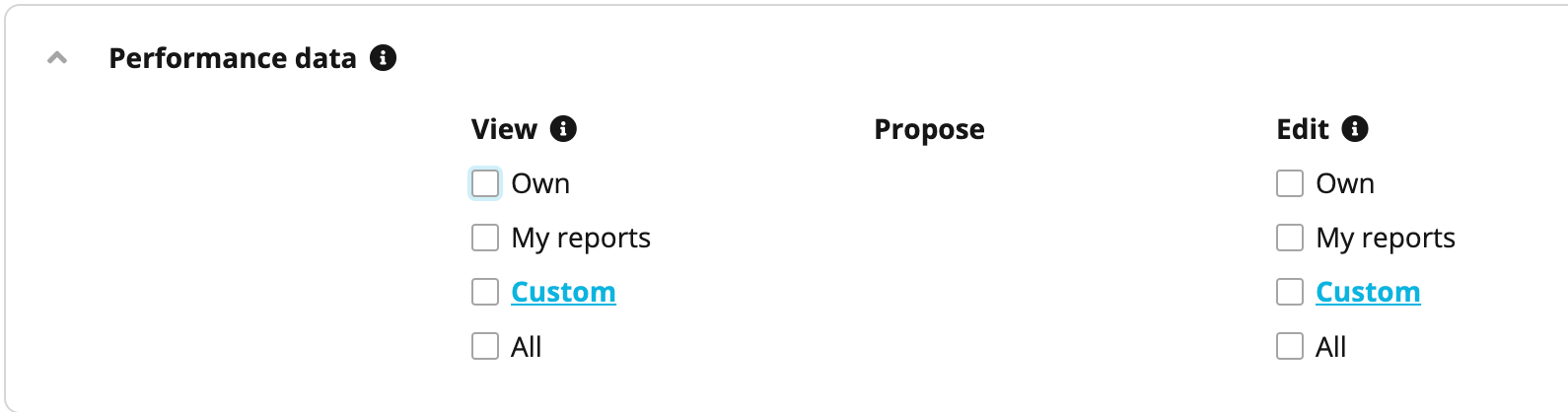
However, you have the option to temporarily disable this area until you roll out your Performance cycle by going to Settings > Employee roles > All Employees role > Access Rights > Performance data and take away the access rights like shown:
If you require any further assistance, I will be happy to help.
Best,
Conor.
If you are a Personio customer please use the same email address for registration as in your Personio account. By doing so we can help you faster if we might need to check something in your account. Do you already have an account? > Login
! Your public username cannot contain any personal information such as email or other private information! You can't change your username after registration.
This is the support and networking community for Personio users and HR Professionals. If you have not registered yet, please select "create an account".
We have updated the Voyager Community Terms & Conditions on 26 May 2026. By logging in, you automatically opt in to the updated T&Cs.
Enter your E-mail address. We'll send you an e-mail with instructions to reset your password.