




Hello. Is there a way to create a custom report in Personio that is continuously updated and shows specifically changes in team and department?
Thanks!

Hello. Is there a way to create a custom report in Personio that is continuously updated and shows specifically changes in team and department?
Thanks!
Best answer by International Support Team
Hi
I would try to create a custom report, where you can select the type as of Historical data and add the date as of Year to date, for example. In the table columns, you have to select Department and Team. For more information about this topic, you can visit our Help Center article: Create custom reports.
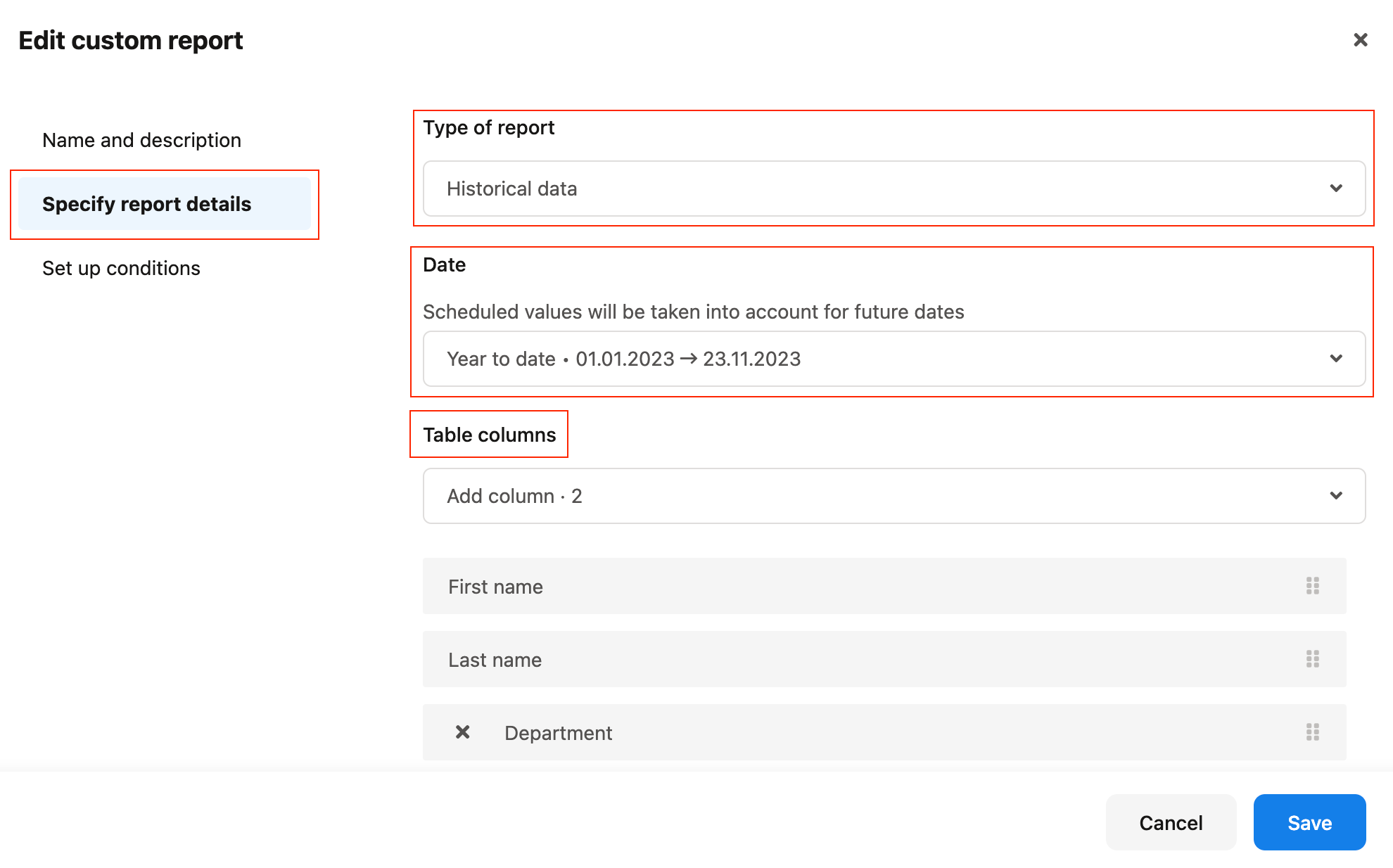
You can then see the status of your report next to the name of it. For example, the status Up-to-date means that any data changes that happen in the system that are relevant for report results will trigger an automated update to the report. You can find more information in this specific section of the previous Help Centre article: Report status.

I hope this helps! 😃 You can try it in this way and if this is not what you need, you can let me know and maybe share more details with me so maybe I can think about other way to do it, but for now, I think this is the best approach.
I hope you have a lovely day ahead! 🙌🏼
Best,
Zulema
If you are a Personio customer please use the same email address for registration as in your Personio account. By doing so we can help you faster if we might need to check something in your account. Do you already have an account? > Login
! Your public username cannot contain any personal information such as email or other private information! You can't change your username after registration.
🎉 We've merged! The Personio Voyager Community now lives at community.personio.de.
This site (community.personio.com) is now read-only and will close soon, so you will no longer be able to log in here.
Coming from .com? Your account has already moved to community.personio.de. Log in there, and if it's your first time, set a new password first (your old .com password didn't carry over). See what to do →
Enter your E-mail address. We'll send you an e-mail with instructions to reset your password.