
Answer

Time Off Approval

  • September 4, 2025
  • 4 replies
  • 34 views

Hi Personio Community!

I wonder if anyone else has the same issue with an approvals workflow.

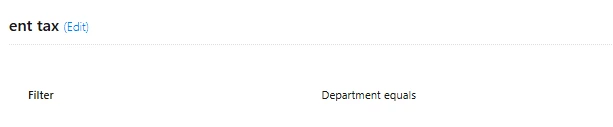
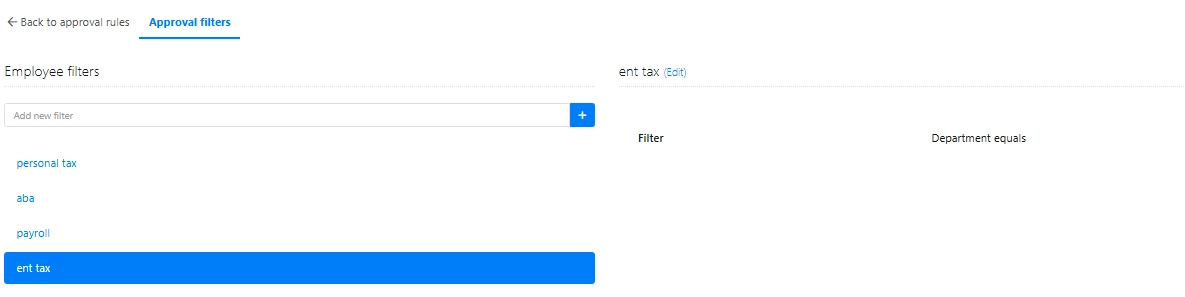
When I use Approvals classic builder and create a new employee filter, it glitches and doesn’t save filters correctly. The page doesn’t show fields to add the info or doesn’t save multiple filters.

Testing this workflow doesn’t give the right results.


Any ideas how to fix this will be much appreciated.



Best answer by SabbuSchreiber

ahh, sorry I was in the workflows. 🙃

It seems to work fine on my end, I just tested it with different and multiple filters.

I did see however that if you want to filter by position, you have to enter a text manually. You’re trying to add “Senior Manager” to this attribute, do you have positions called exactly that? I can imagine that the entry needs to 1:1 represent the position you’re referring to.

4 replies

Moe
Former Personio Employee
Forum|alt.badge.img+11
  • Former Community Admin
  • September 5, 2025

Hi ​@Olena Hadzhylova !

Tagging our Problem Solvers, ​@HRJoy and ​@SabbuSchreiber, as they might be able to help with this one 😄


SabbuSchreiber
Helping Hand
Forum|alt.badge.img+14

Hi ​@Olena Hadzhylova,

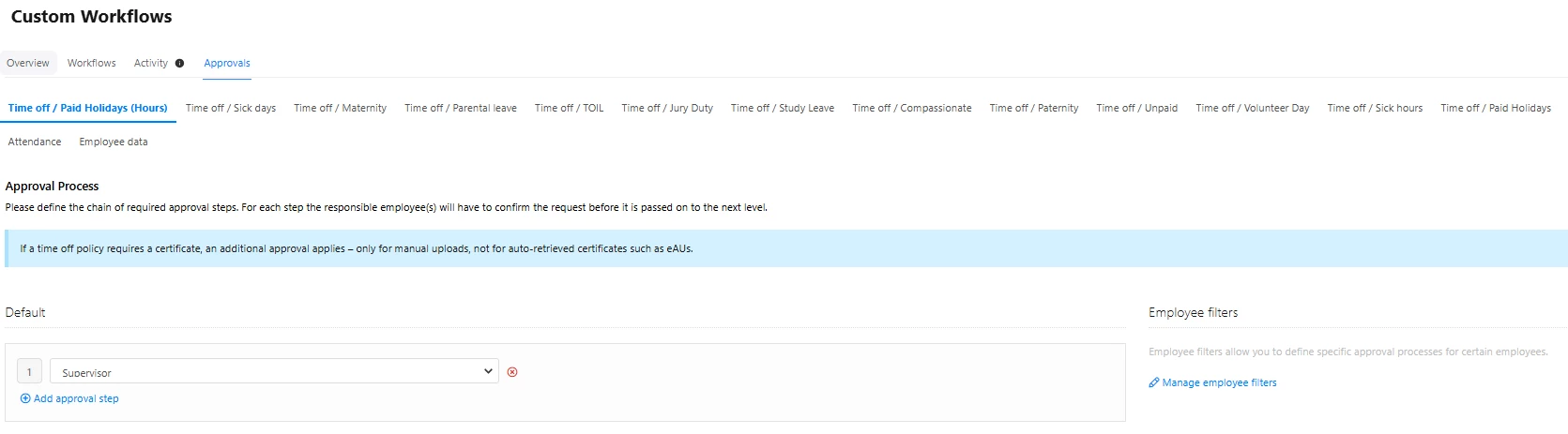
can you share a bit more how you create that filter? Which approval workflow are we talking about? Like what’s the trigger and and action? 

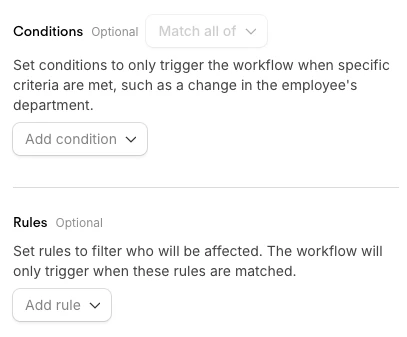
When I create a trigger, I only have the Conditions & Rules as a filter option and it looks different to what you have:


Thanks ​@SabbuSchreiber 

This is how it looks on my side:


SabbuSchreiber
Helping Hand
Forum|alt.badge.img+14
  • Helping Hand
  • Answer
  • September 5, 2025

ahh, sorry I was in the workflows. 🙃

It seems to work fine on my end, I just tested it with different and multiple filters.

I did see however that if you want to filter by position, you have to enter a text manually. You’re trying to add “Senior Manager” to this attribute, do you have positions called exactly that? I can imagine that the entry needs to 1:1 represent the position you’re referring to.