Answered

Question about time recording for trust-based working hours

  • September 10, 2024
  • 4 replies
  • 48 views

Dear Community,


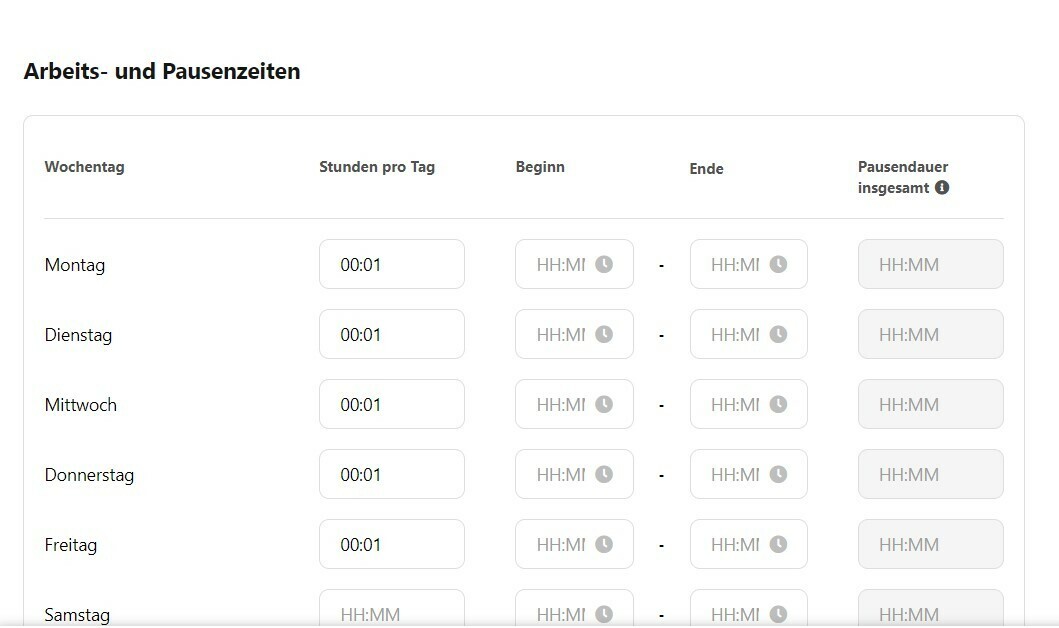
We have the problem that some of our employees work under trust-based working hours and therefore do not have to record any hours. However, I would still like to store a work schedule so that I know when the employees are generally on the premises. Unfortunately, I can't switch off time recording and have to enter at least one minute as time for each day. This ensures that the working time reports cumulatively run into the red. Is there a solution for this or how have you solved this problem?


Many thanks in advance for your support and best regards from Munich


Daniel

Best answer by Sofia V.

Hi @Daniel_St,

I assume that previous to this Work Schedule you have another Work Schedule assigned to the same profile. It shows - 14216h because you possibility have another Work Schedule before this one.

If this is not the case, I would suggest you create a support request via Help & Feedback, my colleagues from the support team will be able to login within your Account and review your Settings. 

Help & Feedback > Browse for help > Contact us

Be aware that only Account Owners can contact our Support team. In case you are not registered as such, please contact your colleagues in the role, or add this information to your account. You can find out how here.
 

I wish you a lovely day.

Best,

Sofia 

4 replies

Sofia V.
Personio Employee
Forum|alt.badge.img+5
  • Former Community Moderator
  • September 11, 2024

Hi @Daniel_St,

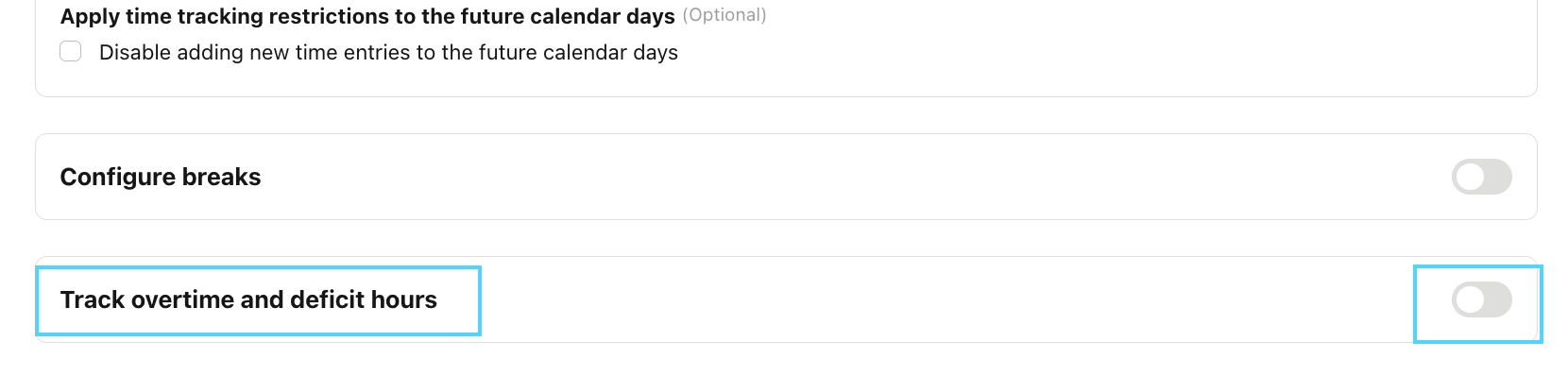
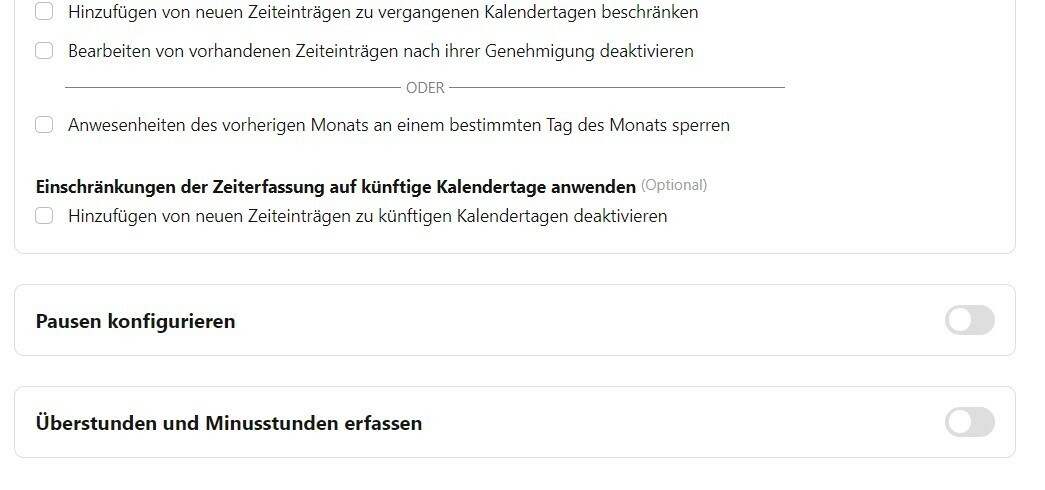
You do have the possibility to have a work schedule where no deficit hours are being tracked. You can do this by going to Settings > Attendance > relevant Work Schedule > Edit > Track overtime and deficit hours: you can turn this here off:

​​​​​​


Also you do have the possibility to switch off clock in function, you can do this by going to Settings > Employee roles > All employees > Attendance data > you will have to uncheck the Propose:Own:


Here you will find more information regarding: Create and assign work schedules.

Best,

Sofia 


  • Author
  • Getting Started
  • September 12, 2024

Hello Sofia,

Thank you for your reply. I have saved the same settings as you suggested. Nevertheless, minus hours are displayed on the employee's profile. Our implementation manager said that I am forced to enter at least one minute for each work plan for which no time recording is to be carried out. Nevertheless, -14216 hours are displayed.

I would be very pleased to receive further feedback from you and thank you in advance.


Sofia V.
Personio Employee
Forum|alt.badge.img+5
  • Former Community Moderator
  • Answer
  • September 13, 2024

Hi @Daniel_St,

I assume that previous to this Work Schedule you have another Work Schedule assigned to the same profile. It shows - 14216h because you possibility have another Work Schedule before this one.

If this is not the case, I would suggest you create a support request via Help & Feedback, my colleagues from the support team will be able to login within your Account and review your Settings. 

Help & Feedback > Browse for help > Contact us

Be aware that only Account Owners can contact our Support team. In case you are not registered as such, please contact your colleagues in the role, or add this information to your account. You can find out how here.
 

I wish you a lovely day.

Best,

Sofia 


  • Author
  • Getting Started
  • September 16, 2024

Dear Sofia,

You have indeed solved our problem.

Thank you very much and have a great week!

Daniel